
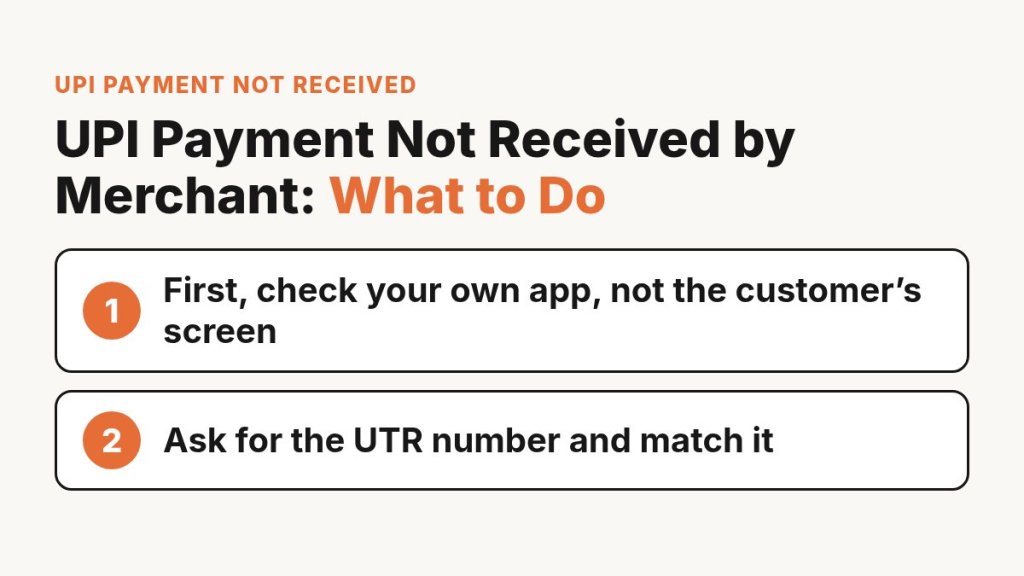
Do not hand over goods until your own bank or UPI app shows the credit. A green tick on the customer’s phone is not proof. Ask for the UTR number, match it in your own app, and if money left their account but never reached yours, the customer raises a dispute with their bank first.
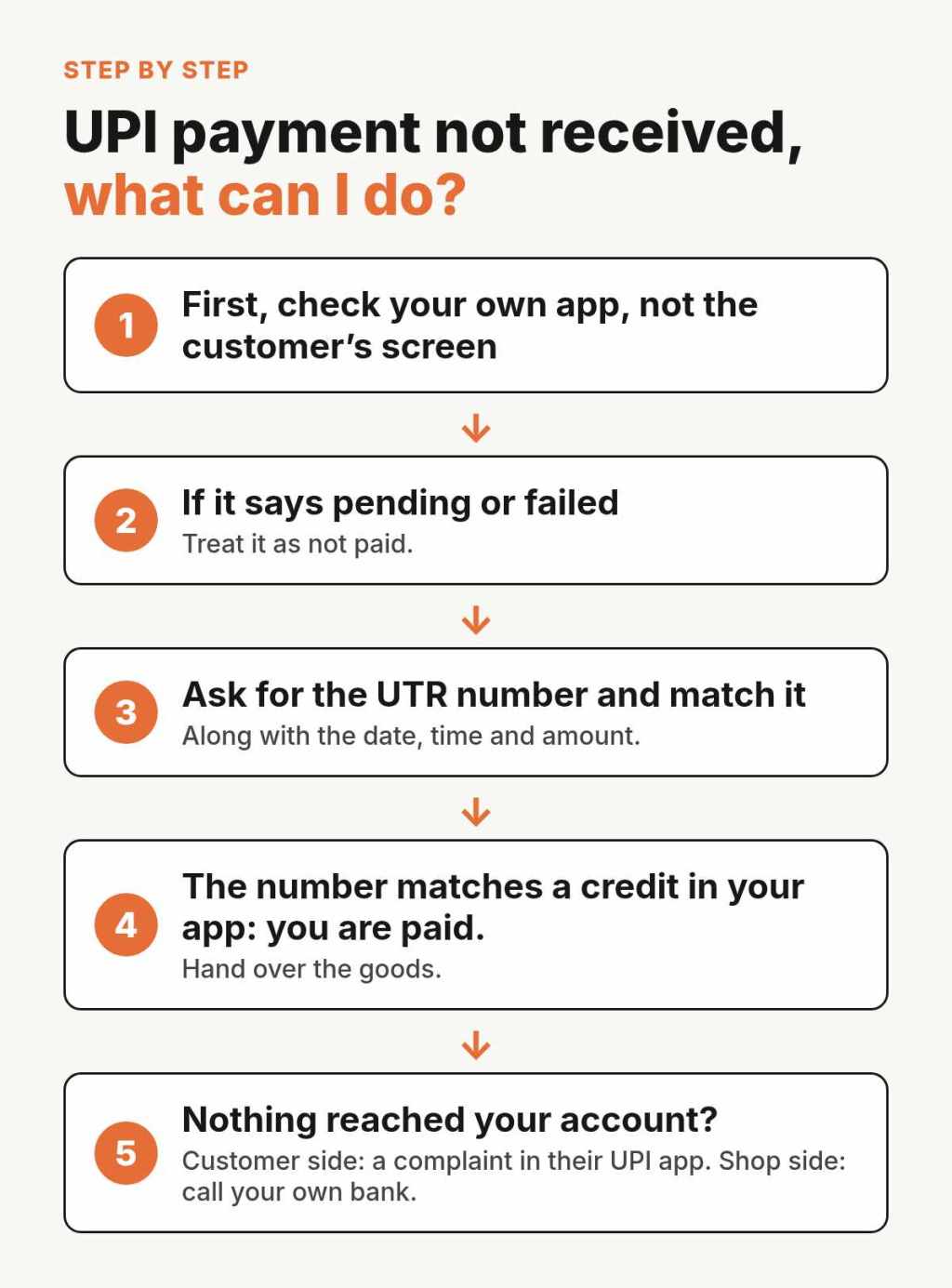
First, check your own app, not the customer’s screen
The only place that tells you the truth about your money is your own account. The customer’s screen shows what happened on their side. It does not show what reached you.
Where to look
- Your bank app: open the account statement and look for the amount and time.
- Your UPI app: open the transaction history for that day.
- Your QR sound box, if you have one: it helps, but still match it with the bank app at the end of the day.
If it says pending or failed
If the customer’s app shows the payment as pending, processing or failed, treat it as not paid. Do not pack or hand over anything until the credit shows in your own account. If money was taken from the customer but the payment did not complete, the rules below decide when it goes back to them.
Ask for the UTR number and match it
What the UTR is and where the customer finds it
Every UPI payment gets a reference number. Banks call it the UTR, the UPI reference number or the RRN. Axis Bank’s help page says the customer can see it in their UPI app under transaction history or transaction details, in the SMS the bank sends after the payment, and in their bank statement. HDFC Bank describes it as a 12 digit number given to every UPI transaction.
Ask the customer to read out or send this number, along with the date, time and amount.
UTR matches but no credit, or UTR not found
- The number matches a credit in your app: you are paid. Hand over the goods.
- The customer has a number, but nothing reached your account: the money may be stuck between banks. Do not hand over goods yet. The customer should raise a complaint (see the next section).
- The number does not exist or looks wrong: be careful. Read how to spot a fake UPI payment screenshot before you do anything else.
Who raises the complaint: customer or shop?
Customer side: a complaint in their UPI app
The person who paid starts the complaint. The NPCI dispute redressal steps say any user can raise a complaint about a UPI transaction in the UPI app they used, by selecting that transaction. If it is not solved there, it can go to the bank behind the app and then to the customer’s own bank.
Under an RBI circular of 20 Sep 2019, when a customer’s account is debited for a UPI payment to a merchant but the merchant does not get the confirmation, the payment should be reversed automatically within T + 5 days, where T is the day of the payment. If the bank takes longer, it owes the customer Rs 100 for each day of delay.
Shop side: call your own bank
You can also call your bank or the company that gave you the QR. Share the UTR, date, time and amount. They can check whether anything is waiting for your account.
If a bank does not fix a failed payment within the RBI timeline, the customer can complain to the RBI Ombudsman under the RBI Integrated Ombudsman Scheme, 2021 (RBI press release, 12 Nov 2021). For anything beyond this, ask your bank or your CA. This post is not legal advice.
What to tell the customer
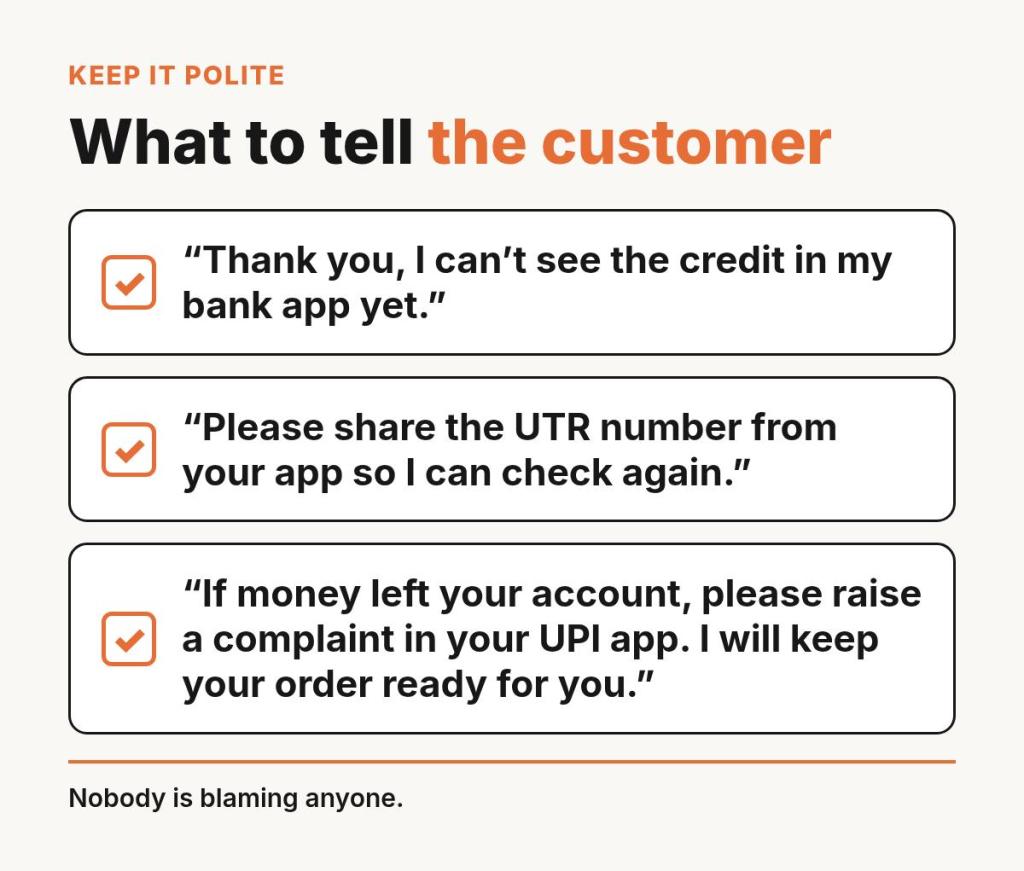
Keep it polite. Nobody is blaming anyone. You can say:
- “Thank you, I can’t see the credit in my bank app yet.”
- “Please share the UTR number from your app so I can check again.”
- “If money left your account, please raise a complaint in your UPI app. I will keep your order ready for you.”
Simple shop rules to avoid this in the festive rush
- Payment confirmed in your own app before packing. No exceptions for “trusted” buyers.
- Check all UPI credits once a day against your order list. Our guide on managing WhatsApp orders shows a simple list to keep.
- One person in the shop confirms payments, so two people do not both say “yes, paid”.
- For online orders, a checkout that confirms payment by itself removes the screenshot step. Read more about taking online payments at your shop and payment gateway charges in India. Planning for UPI fees after Diwali? See UPI MDR kya hai.
Related reading: fake UPI payment screenshot, UPI MDR after Diwali 2026.
FAQ
UPI payment not received, what can I do?
Do not hand over the goods. Ask for the UTR number and check it in your own bank app. If the customer’s money was debited but you got nothing, the customer raises a complaint in their UPI app, and you can call your own bank with the same details.
How long does a failed UPI payment take to come back?
An RBI circular of 20 Sep 2019 says a UPI payment to a merchant that was debited but not confirmed at the merchant should be reversed within T + 5 days. Beyond that, the bank pays the customer Rs 100 a day. Your bank can confirm the status of a specific payment.
Where do I file a UPI payment not received complaint?
The payer files it first, in the UPI app they used, on that transaction. It can move to their bank after that. A shop can call its own bank with the UTR, date, time and amount.
Should I accept a screenshot as proof?
No. A screenshot is a picture and can be edited or old. Only a credit in your own bank or UPI app is proof. See how to spot a fake UPI payment screenshot.
New here? Start with our Start here page.
Sources, last checked 28 Oct 2026: RBI circular DPSS.CO.PD No.629/02.01.014/2019-20, 20 Sep 2019 for the T + 5 day reversal and Rs 100 a day; RBI press release on the Integrated Ombudsman Scheme, 12 Nov 2021 for complaints to the RBI Ombudsman. Bank help pages on UTR and RRN numbers, Axis Bank and HDFC Bank (accessed 26 Oct 2026).
About the author: Pritam Nandi is the founder of Prilix Labs, the company behind Indi Andaz. He builds Indi Andaz from Ashoknagar Kalyangarh, West Bengal, to help local Indian shops sell online and bill at the counter from one place.
Indi Andaz by Prilix Labs: an online store with UPI, card and COD checkout, plus GST billing at the counter. No monthly fee, 5% only on delivered online orders, payment processing included. GST applies on the fee.
Prilix Labs, Ashoknagar Kalyangarh, North 24 Parganas, West Bengal 743222
Email: indiandazsocial@gmail.com
Phone: 8653001257
© 2026 Prilix Labs


Leave a Reply